

Description
Download BOSS Tuner APK – Free Android Music Tuner Tool for Guitar, Bass, Violin, Cello, Trumpet
Overview
The BOSS Tuner APK is a free Android application developed by Roland Corporation, designed to serve as a portable, reliable tuning solution for musicians and music enthusiasts. Built on the legacy of the renowned TU-3 and TU-3W pedal tuners, the app brings professional-grade tuning accuracy to mobile devices. It leverages the built-in microphone of Android smartphones and tablets to detect and analyze the pitch of musical instruments in real time. The software supports a wide range of instruments, including guitar, bass, violin, cello, trumpet, and other string and wind instruments. This makes it ideal for performers, students, and hobbyists who need quick, on-the-go tuning without carrying additional hardware.
The app is particularly useful in rehearsal spaces, live performances, and outdoor sessions where access to a physical tuner is limited. Its intuitive interface and accurate pitch detection allow users to tune their instruments with precision, ensuring they remain in tune across various musical contexts. The developer did not provide additional system requirements, and exact performance details were not specified. However, the app’s focus on reliability and compatibility with standard tuning frequencies suggests a stable and efficient design tailored for mobile use.
Key Features & Capabilities
- Chromatic Tuner Engine – Implements the same tuning algorithms found in the TU-3 and TU-3W hardware tuners, ensuring professional-level accuracy.
- Multi-Instrument Support – Works with guitars, basses, violins, cellos, trumpets, and other instruments by detecting their fundamental frequencies.
- Custom Tuning Scales – Offers built-in D#-A# and A#-G# tuning modes, useful for alternative tuning preferences in specific musical genres.
- Real-Time Pitch Detection – Displays the detected pitch of a note instantly, helping musicians verify pitch accuracy during practice or performance.
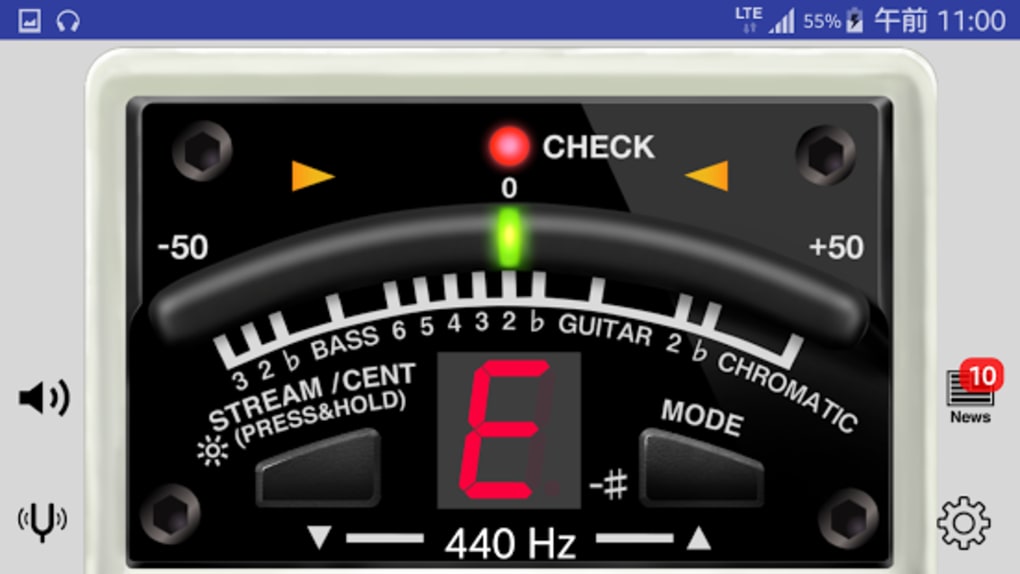
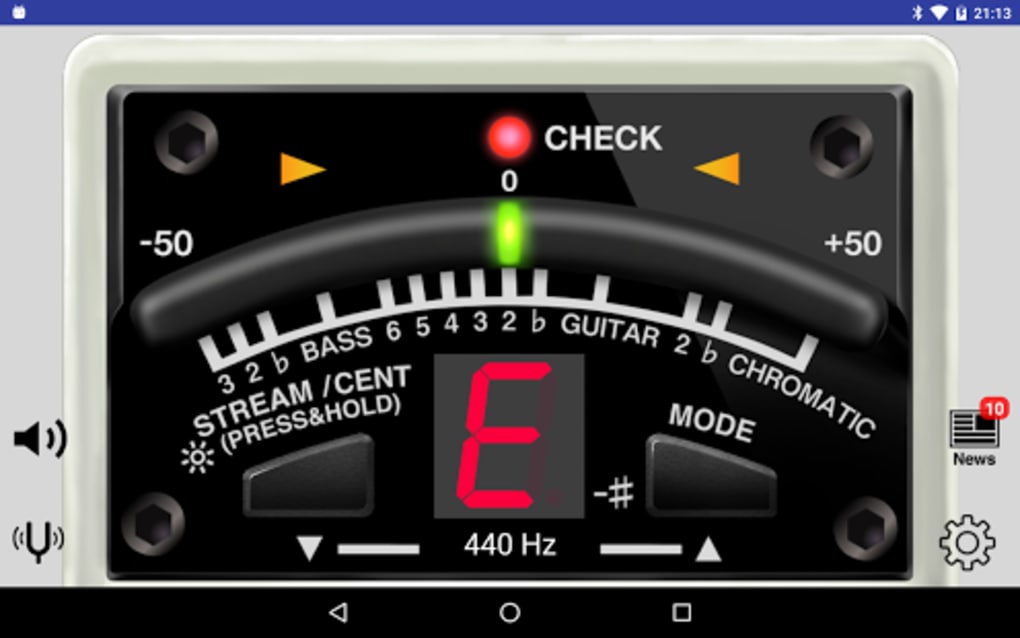
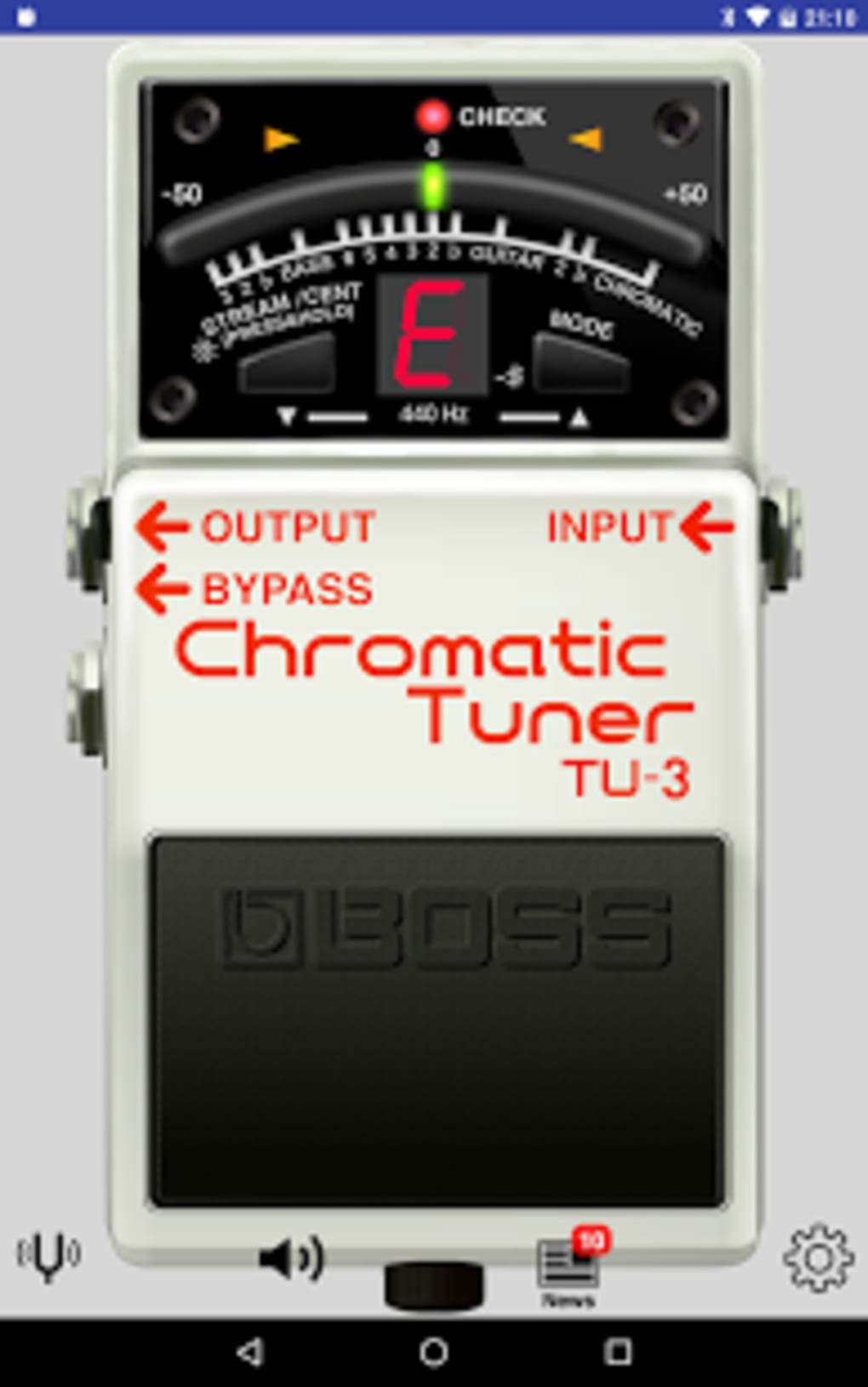
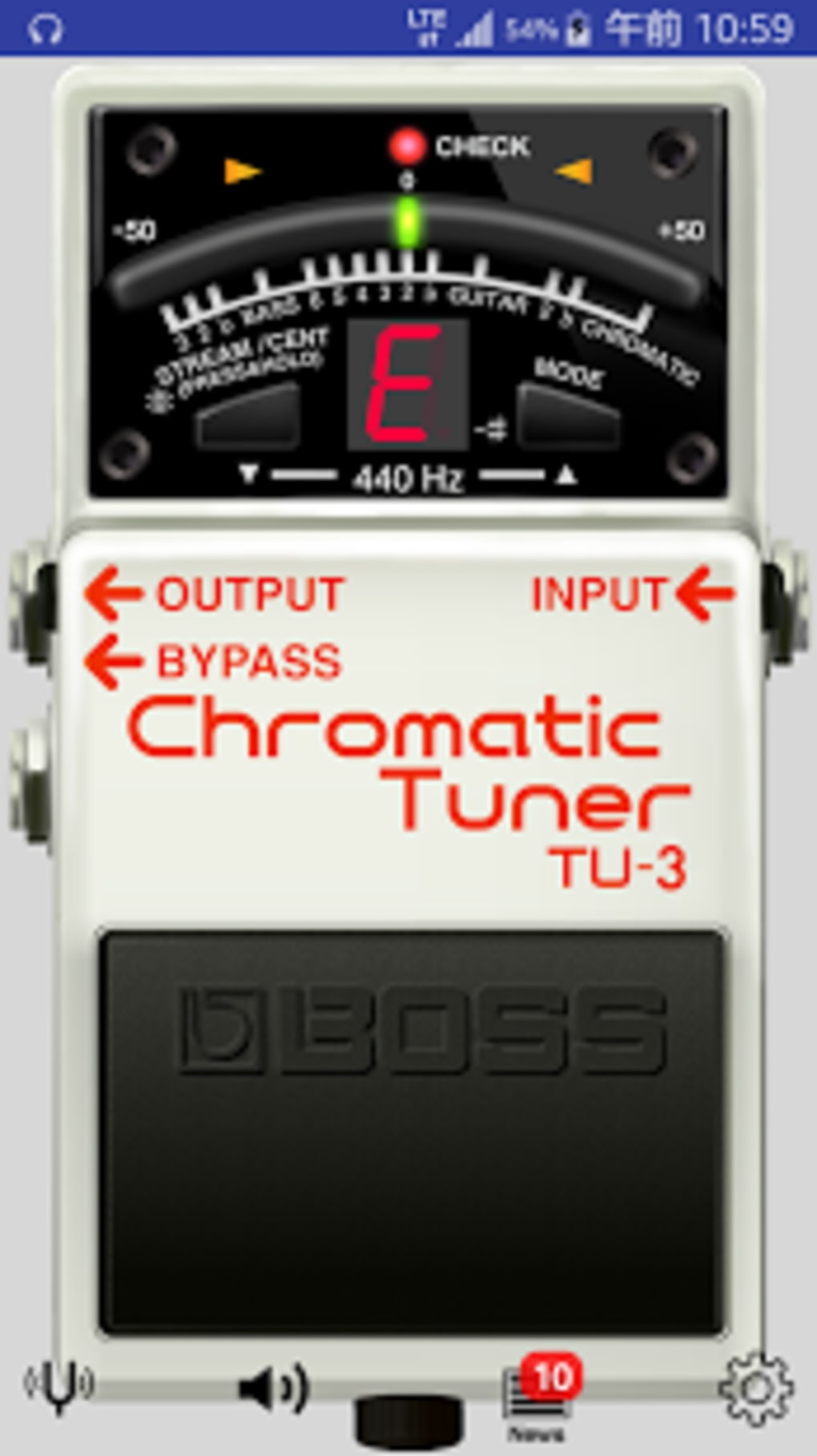
- Visual Tuning Indicators – Features a responsive tuning needle and meter that visually represent pitch deviation, making it easy to adjust strings or valves.
- Studio-Standard Frequencies – Supports tuning to frequencies used in professional recording environments, ensuring consistency across live and studio settings.
These capabilities allow users to tune instruments quickly and accurately, even in noisy environments. For example, a bassist can use the app during a band rehearsal to verify tuning between songs, while a violinist can check pitch during a practice session. The real-time pitch display is especially helpful for ear training and pitch-matching exercises. The app’s ability to adapt to various tuning systems makes it a versatile tool for both beginners and experienced musicians.
User Interface, Workflow & Performance
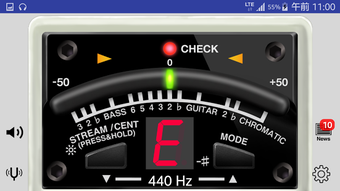
The user interface of BOSS Tuner is designed with clarity and functionality in mind. The main screen features a central tuning needle and a horizontal tuning meter, both of which respond in real time to incoming audio. Navigation is straightforward, with options to select instruments, tuning modes, and reference pitches. The layout is minimalistic, reducing distractions and allowing users to focus on tuning accuracy. The workflow is intuitive: users simply launch the app, select their instrument or tuning mode, and play a note—within seconds, the app provides visual feedback on pitch deviation.
Performance observations are based on general software behavior patterns. The app appears to be optimized for mobile use, with responsive feedback and minimal lag. The developer did not specify resource usage details, so CPU and RAM behavior remain unknown. Stability is expected to be high, given the app’s focus on a single core function. No reports of crashes or freezes were provided. However, performance may vary depending on the device’s microphone quality and ambient noise levels. Users in noisy environments may need to adjust their playing technique or use a quiet space for optimal results.
Compatibility & System Requirements
BOSS Tuner APK is designed for Android devices, making it accessible to a wide range of users with smartphones and tablets. The application is available for free download and is compatible with various Android versions, though the exact OS range was not specified. Installation size is not listed, but given the app’s focus on audio processing, it likely requires moderate storage space. The developer did not provide detailed hardware requirements, such as minimum RAM or processor speed. Compatibility information was partially provided, with the app clearly targeting Android platforms.
Users should ensure their device has a functional microphone and audio input capability to use the app effectively. Some older or low-end devices may experience inconsistent performance due to microphone sensitivity or processing limitations. The developer did not specify whether the app supports external microphones or audio interfaces. For optimal performance, it is recommended to use the app in a quiet environment and ensure the device’s microphone is unobstructed.
Pros and Cons
Pros
- Free to download and use with no in-app purchases
- Professional-grade tuning accuracy based on TU-3 hardware standards
- Supports multiple instruments and alternative tuning scales
- Real-time pitch detection and visual feedback for precise tuning
- Minimalistic, intuitive interface suitable for all skill levels
- Compatible with Android devices without requiring additional hardware
Cons
- Performance may vary depending on device microphone quality
- No official support for external audio inputs or interfaces
- Exact system requirements and OS compatibility range were not provided
- Limited functionality compared to dedicated hardware tuners in extreme noise conditions
- Relies entirely on device microphone, which may be affected by ambient noise
FAQ Section
Is BOSS Tuner free to download and use?
Yes, the BOSS Tuner APK is available for free download and does not require payment or subscription to access core features.
What devices is BOSS Tuner compatible with?
BOSS Tuner is designed for Android devices. It requires a smartphone or tablet with a functional microphone and audio input capability.
Can I use BOSS Tuner with external microphones?
The developer did not specify whether the app supports external audio inputs. It is designed to work with the device’s built-in microphone.
Does BOSS Tuner require an internet connection?
No, the app functions entirely offline. It does not require an internet connection to tune instruments or display pitch data.
How accurate is the tuning provided by BOSS Tuner?
The app uses the same tuning algorithms as the TU-3 and TU-3W pedal tuners, which are widely recognized for professional accuracy. It supports studio-standard tuning frequencies.
Final Thoughts
BOSS Tuner APK delivers a reliable, professional-grade tuning experience directly to Android devices. With its accurate pitch detection, intuitive interface, and support for multiple instruments and tuning modes, it stands out as a must-have tool for musicians on the move. While it relies on the device’s microphone and may be affected by environmental noise, its core functionality remains consistent and effective. The app’s free availability and seamless integration with Android make it an excellent choice for both beginners and seasoned players. For those seeking a secure, lightweight, and accurate tuning solution, BOSS Tuner offers unmatched value.
Download BOSS Tuner APK now to keep your instruments perfectly in tune—anytime, anywhere.
Guides & Tutorials for BOSS Tuner APK
How to install BOSS Tuner APK
- Click the Preview / Download button above.
- Once redirected, accept the terms and click Install.
- Wait for the BOSS Tuner APK download to finish on your device.
How to use BOSS Tuner APK
This software is primarily used for its core features described above. Open the app after installation to explore its capabilities.
User Reviews for BOSS Tuner APK 0
No reviews found





